
How to Import a Photo into a Minecraft Skin Editor
Import a skin PNG or convert a portrait first? Follow the photo-to-skin workflow, check file dimensions, and fix common Minecraft editor import problems.
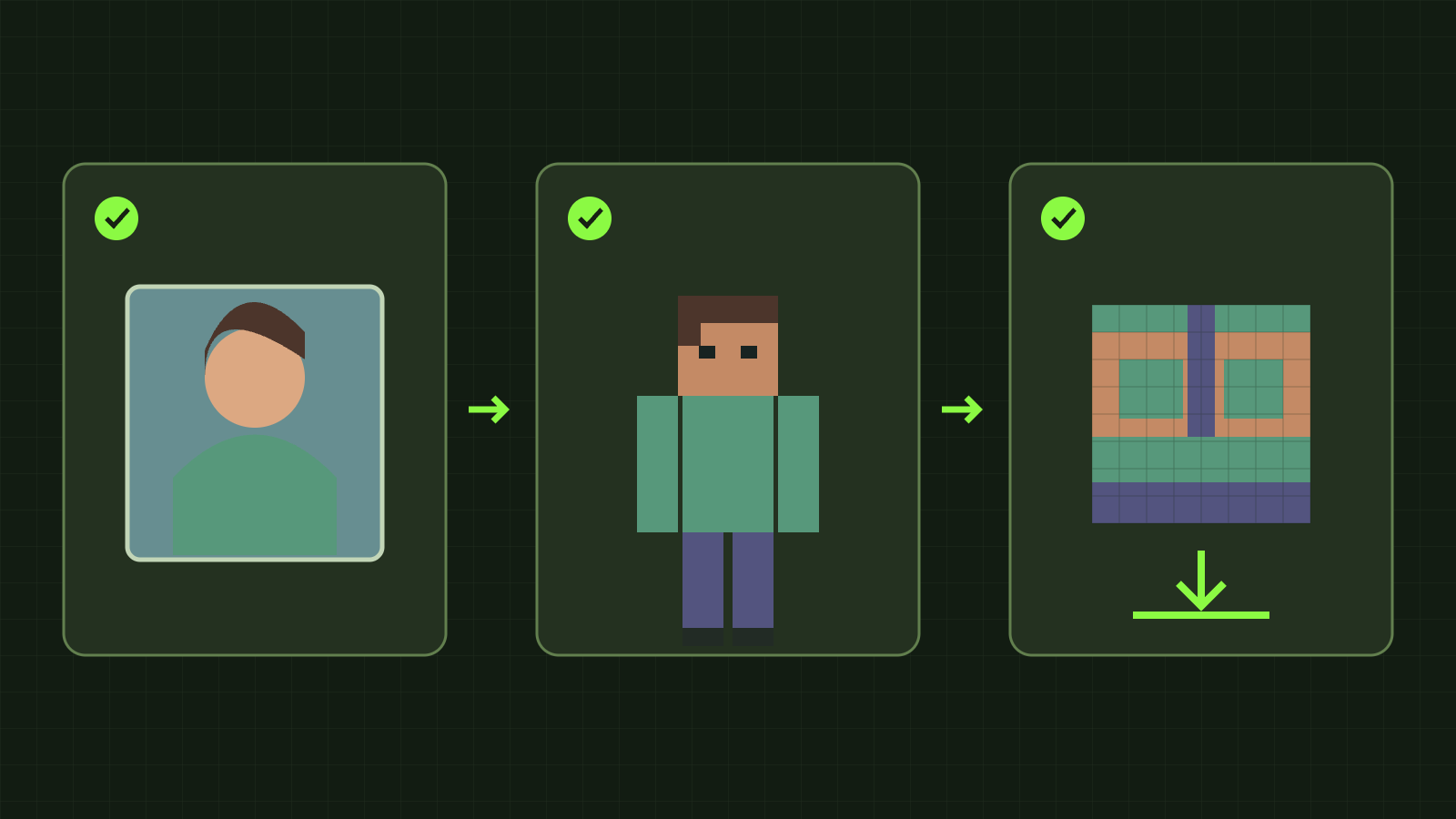
For Minecraft skin editor import photo, the key is the file’s purpose: an editor imports an unwrapped Minecraft skin texture. A normal selfie or illustration first needs a photo-to-skin workflow. Renaming a portrait to PNG, or resizing it to 64×64, does not place its pixels on the head, arms and other required surfaces.
Use our skin editor for an existing texture PNG. Use the photo AI generator for a portrait or reference image, then edit the generated skin. The official Minecraft skin guide explains the flat, unwrapped PNG layout.
Choose the correct input route
- Photo, selfie or character illustration: start with the photo generator. Only upload images you own or have permission to use.
- 64×64 skin PNG: import into the standard editor. Choose Classic or Slim to match its arms.
- Legacy 64×32 skin PNG: the standard editor converts the older layout for editing.
- 128×128 skin PNG: use the HD editor, then verify that the game client or skin system accepts HD.
- Only a player name or UUID: use Skin Grabber to retrieve that Java player’s current public texture.
Dimensions alone are not proof of a valid skin. A square portrait is still a portrait if its pixels do not follow the texture layout.
From photo to editable skin
- Open the photo generator and select a clear portrait or reference. Keep the face and important clothing visible; complicated backgrounds can make your intended character less clear.
- Review the generated character preview. Adjust your input if the hairstyle, outfit or silhouette does not match your idea.
- Generate the downloadable skin, then open it in the standard editor or save and import its PNG.
- Check the front, back, sides, inner arms and soles. Repair seams, refine colors and inspect the outer layer. Download a PNG copy of work you want to keep.
AI generation requires an account and credits, and currently produces a 64×64 skin. Upload, character preview, skin generation and manual editing are different steps. Manual editing is free; a browser draft is not a cloud backup.
What we checked in the application
On 10 November 2026, our existing 1254×1254 portrait demo was accepted by the photo-upload interface before generation. The standard skin editor rejected that same file. It is also larger than the editor’s 2 MB limit, so this was not a controlled test of dimensions alone.
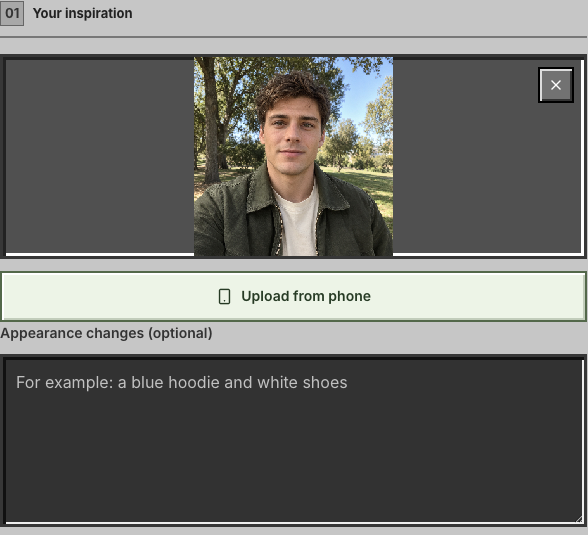
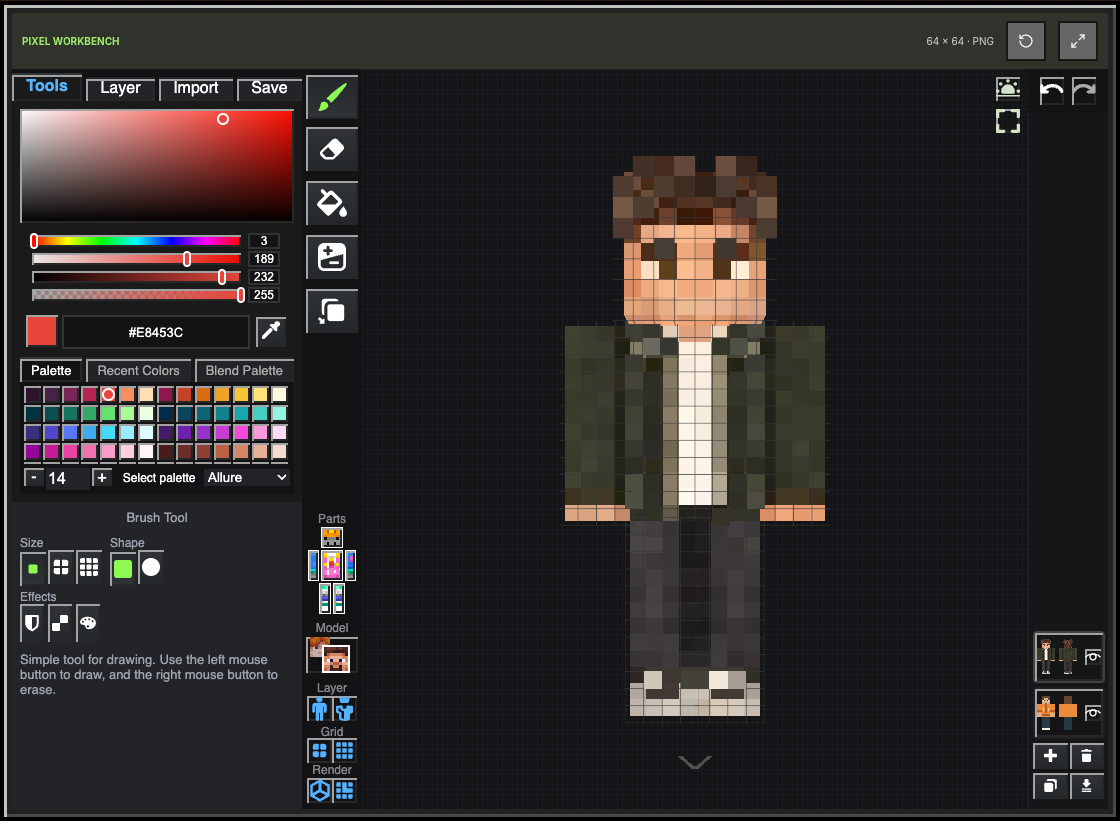
Separately, an existing 64×64 skin demo imported into the standard editor. The screenshots demonstrate two input routes. They are not a new before-and-after AI-generation pair: we did not submit a generation job or consume credits for this check. Both screenshots show the English interface.
Fix common import problems
A JPG or ordinary photo will not open: use the photo generator, not the editor’s skin import. Converting only the file extension cannot build a texture layout.
A PNG still fails: check the actual format, dimensions and file size. The standard editor accepts supported 64×64 and legacy 64×32 PNGs up to 2 MB. The HD editor accepts 64×64 or 128×128 PNGs up to 2 MB. A screenshot of a character is not its original texture.
Arms look broken: verify Classic versus Slim. Some pixels seem missing: inspect the body and outer layers and check hidden parts before repainting. A switch lost my edits: both editors store separate drafts; transfer changes by downloading and importing the PNG.
Save the right version for your game
Normal Java account skins use the standard resolution. A 128×128 export requires a compatible platform, client, mod or skin system; it is not universally accepted. HD enlarges 64×64 using nearest-neighbor scaling, leaving new fine detail for you to draw. Keep separate standard and HD files.
Manual PNG editing happens in your browser. Photo AI generation uses the separate upload and processing flow described in our privacy policy. Ready to begin? Choose your photo, or import an existing skin if you already have the texture.