
Minecraft Skin Finder: Find a Skin by Name or UUID
Find a Minecraft player skin by username or UUID. Compare real Classic and Slim results, download the original PNG, and choose the right editor.
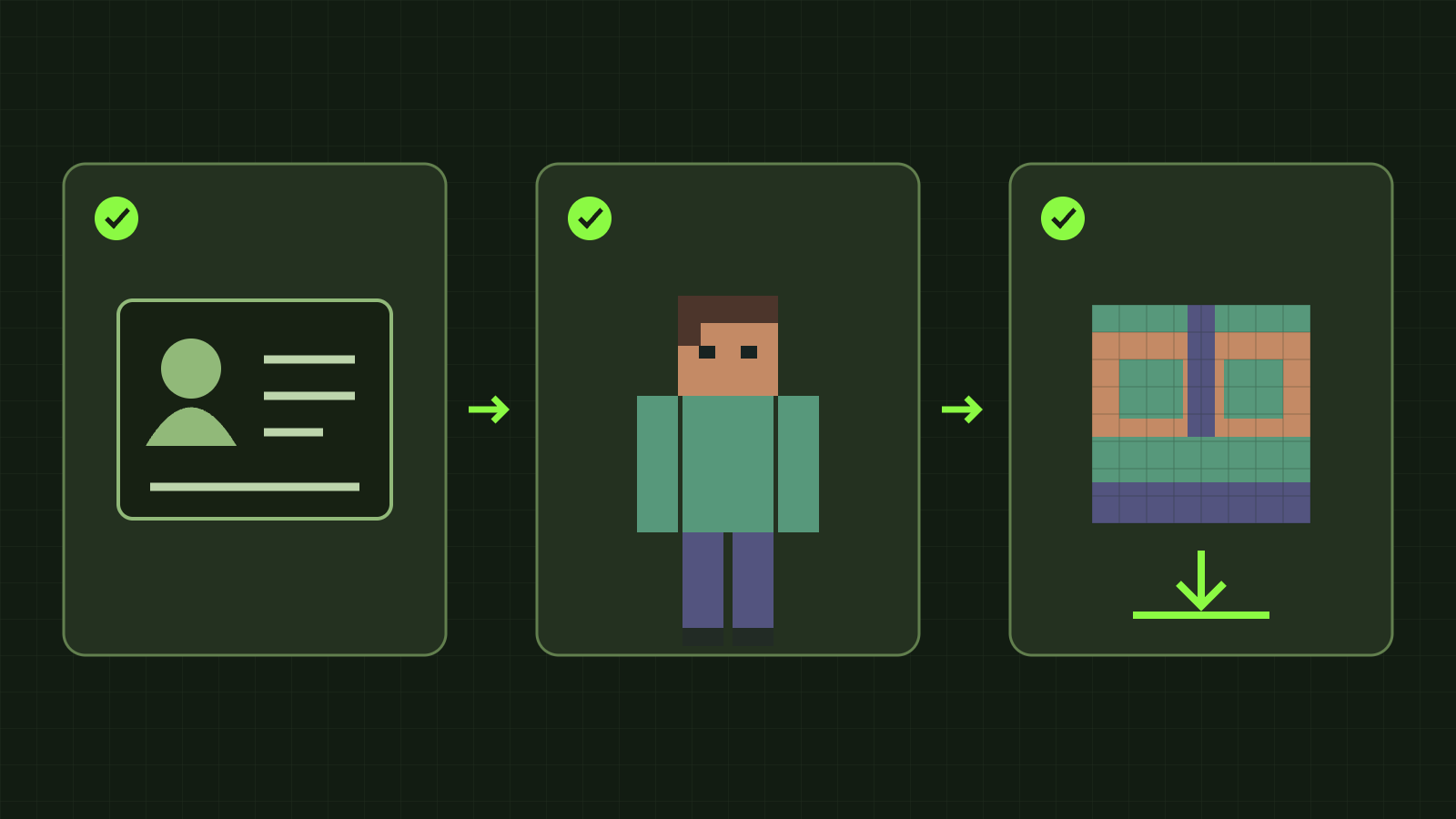
A Minecraft skin finder can retrieve the current skin of a public Java Edition player when you know their username or UUID. Open our Skin Grabber, check the returned identity and 3D preview, then download the original PNG or open an editor. You do not need a Minecraft password or generation credits.
A screenshot alone is a different starting point. This tool does not identify a player from an image, search every skin design, or provide a complete skin history. If you want a new character based on your own photo, use the photo AI generator.
Find a player’s current skin
- Enter the current Java username, such as
Notch, or paste the full UUID. Both standard hyphenated and compact UUID formats work. - Choose Find skin. Check the returned name and UUID before saving: a remembered username may be outdated.
- Rotate the model and inspect the back, sleeves and shoes. The walk animation helps show seams in motion.
- Download the original PNG, or open the standard editor for manual changes. Choose the 128×128 HD editor only for a destination that supports HD skins.
A name is easy to type; a UUID is the persistent account identifier. Xbox gamertags, Bedrock XUIDs and offline-server identities are not interchangeable with Java UUIDs. This page accepts player identifiers, not arbitrary image URLs.
What our actual lookup tests returned
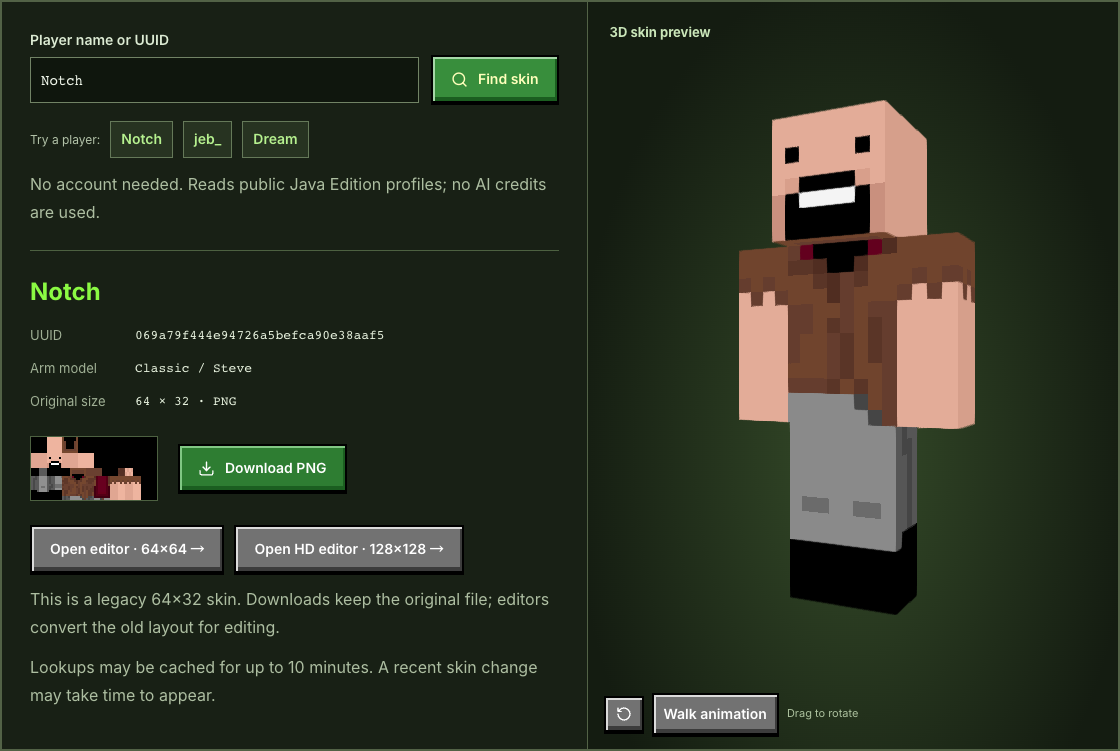
On 10 November 2026, we tested the application against public Mojang profile and texture services. Notch returned UUID 069a79f444e94726a5befca90e38aaf5, Classic arms and an original 64×32 texture. Searching the same UUID with its standard hyphens returned the same profile. The downloaded PNG bytes matched the returned texture; we did not relabel that legacy file as 64×64.
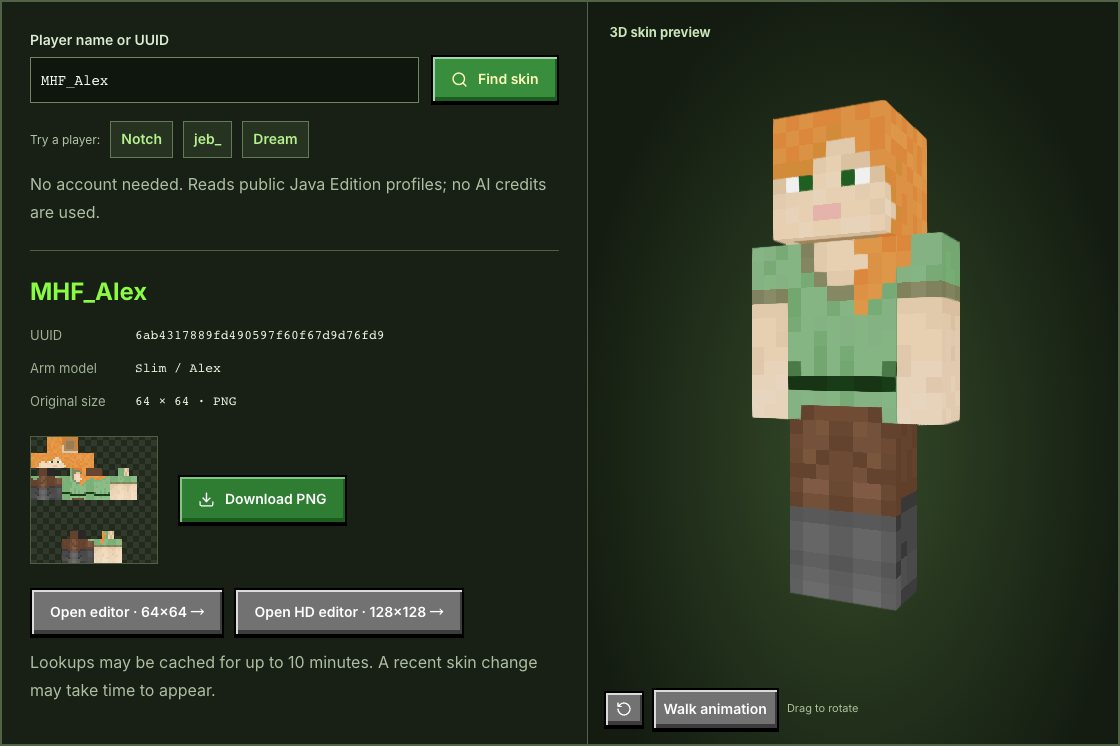
MHF_Alex returned UUID 6ab4317889fd490597f60f67d9d76fd9, Slim arms and a 64×64 PNG. These are observations on that date, not a guarantee that a player will keep the same skin. The screenshots show the English interface used for those tests.
Pick the editor after checking the file
Classic has wider arms; Slim has narrower arms. Preserve that model choice to avoid misplaced pixels. As the official Minecraft skin guide explains, the PNG is a flat texture arranged around the player model, rather than a character portrait.
The standard editor can convert the older 64×32 layout for editing. The download still preserves the original. The HD editor enlarges a compatible source into a separate 128×128 working texture. Enlarging creates room for your own brushwork; it does not invent details or guarantee compatibility. Each editor has its own browser draft. To transfer modified work, download and import its PNG; switching pages does not transfer edits.
Missing, stale or unavailable results
- Player not found: check spelling and the current username, or use a known UUID.
- No custom texture: a valid public profile may have no custom skin to download.
- Old-looking result: our cache lasts up to ten minutes; Minecraft services may also cache data.
- Temporary failure: wait before retrying if the upstream service is unavailable or rate-limited.
Your identifier goes to our lookup endpoint and public Mojang services. Lookup does not sign in to the target account, change its skin or make an AI-generation request. Keep important PNG files yourself and respect the creator’s rights when sharing a downloaded or edited design.
Want an original skin instead?
Use the photo generator for a portrait or the text generator for an English character description. Review the character preview, generate the skin, and refine its pixels in the editor. AI generation needs an account and credits and currently outputs 64×64. Public lookup and manual editing remain free. See the photo import guide if you are unsure which kind of image you have.
If Mojang denies or cannot serve an edge request, we may use PlayerDB’s public profile cache. Your name or UUID is sent to that service; its cached skin may update more slowly.